
A nail studio lives on the next fill-in
A nail client rarely books once. Gel grows out, acrylic lifts, a set needs infilling every few weeks, and the client who has a smooth experience booking it simply comes back to the same technician. The studio that makes booking slow, or loses track of who did which set, quietly hands that client to the studio down the road.
F9.contact is built around that rhythm: fast booking for the client, a clear diary for the technicians, a short queue at the counter, and a record of the client's hands that is there before anyone opens a bottle of gel.
Booked in a few taps, wherever the client finds you
Most nail bookings start on a phone, often inside Instagram. F9 gives the studio three ways in, all running the same booking flow:
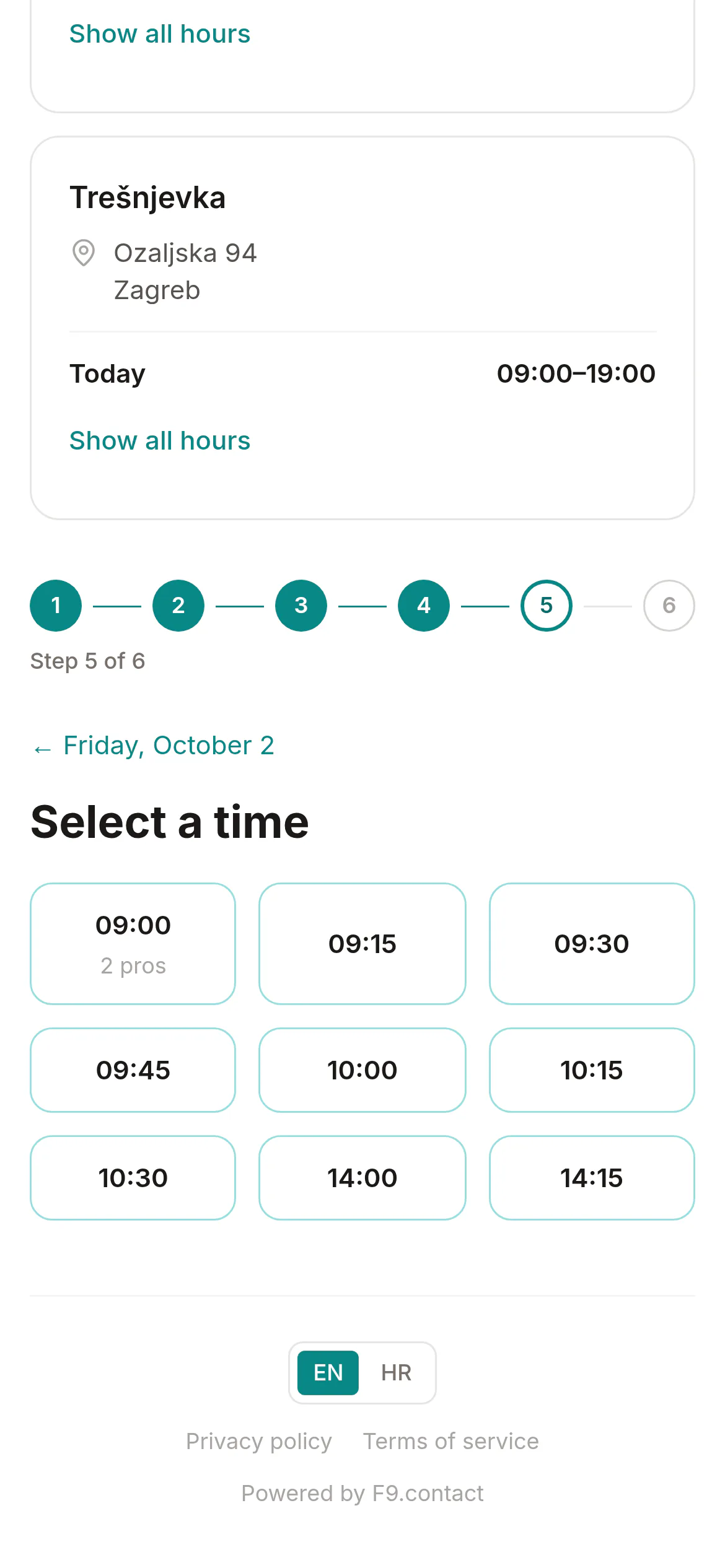
- A hosted booking page at an address of your own, with your logo, your locations, opening hours and a tap-to-call number. It's built mobile-first, so it works in the Instagram in-app browser, and you switch it on with one toggle.
- A Book now button for your existing website, added with a single script tag. Visitors book without leaving your site.
- A QR code for the counter and the mirror, so a client finishing today's set can book the next one before they've paid.
A client can put several services in one appointment — gel manicure, nail art and a pedicure, say — and F9 shows times that fit the combined duration. They can pick the technician they always book with, or just take the first free time with anyone who does every service they chose. Services are shown in your own groups ("Hands", "Feet", "Extensions"), so a long menu stays readable on a small screen.
Guests book without creating an account. Until they confirm with a click in the email F9 sends them, a guest booking is only a request, so nothing is held for them, and a made-up name and number never block a technician's afternoon.
Regulars on a schedule
For the client who comes every two weeks or once a month, staff can book the whole recurring series in one go (weekly, fortnightly or monthly) and cancel it later if plans change. If the time a client wants is taken, staff see the free times across several days and pick another. Every client gets a confirmation email, and a reminder about a day ahead that they can switch off salon by salon.
Each technician has their own schedule: shifts, breaks that the booking page quietly respects, time off and shift swaps. Holidays and closed days can be set for the whole studio or a single location, and the day simply stops being offered.
Know the client's hands before the gel goes on
Gel and acrylic are chemistry, and reactions to nail products tend to build up over time. A client who was fine last year can react this year. F9 comes with ready-made nail intake questionnaires in three lengths (short, medium and long), in Croatian and English. They cover gel polish, gel and acrylic extensions, dip, builder gel, polygel, paraffin and pedicure work, and ask about past reactions and new sensitivities. Each one is a starting point: adapt the questions and wording, then publish your own version.
You choose how often a client fills the form in again. The nail templates start at once a year, and you can change that. A published form can hold the booking, so the appointment isn't confirmed until the client has a current answer on file. Staff send a one-time link that takes the client straight to the right form on their own phone. It expires after 72 hours and can be used only once.
For clients who need one, a patch test is logged against the product it was done with: the brand, product line and product code of the gel, builder or acrylic system. That matters the day you change supplier, because the card shows which system the client was actually tested on. A pass carries an expiry date based on the validity period you configure, and reaction notes are encrypted, with an optional photo, so the technician sees at a glance whether the test on file still counts.
Allergies sit on the client's card and show as a clear warning on every booking, so the technician on a Saturday shift sees what the regular technician already knows.
Stock that keeps up with the colours
A nail studio carries a lot of small, similar items: dozens of gel colours, tips, files, top and base coats, removers. F9 keeps one product catalogue for the business, with stock held at each location or in a stockroom shared between them. It starts you off with the units nail work actually uses (ml, g, pieces, bottles and packs).
Low-stock alerts flag a favourite colour before it runs out. Suppliers, purchase orders and stocktakes are built in. A service recipe can deduct the products a service uses when the ticket is paid. You can also keep back-bar stock separate from the retail shelf, so the cuticle oil you sell isn't confused with the bottle at the desk.
A short queue at the counter (Pro+)
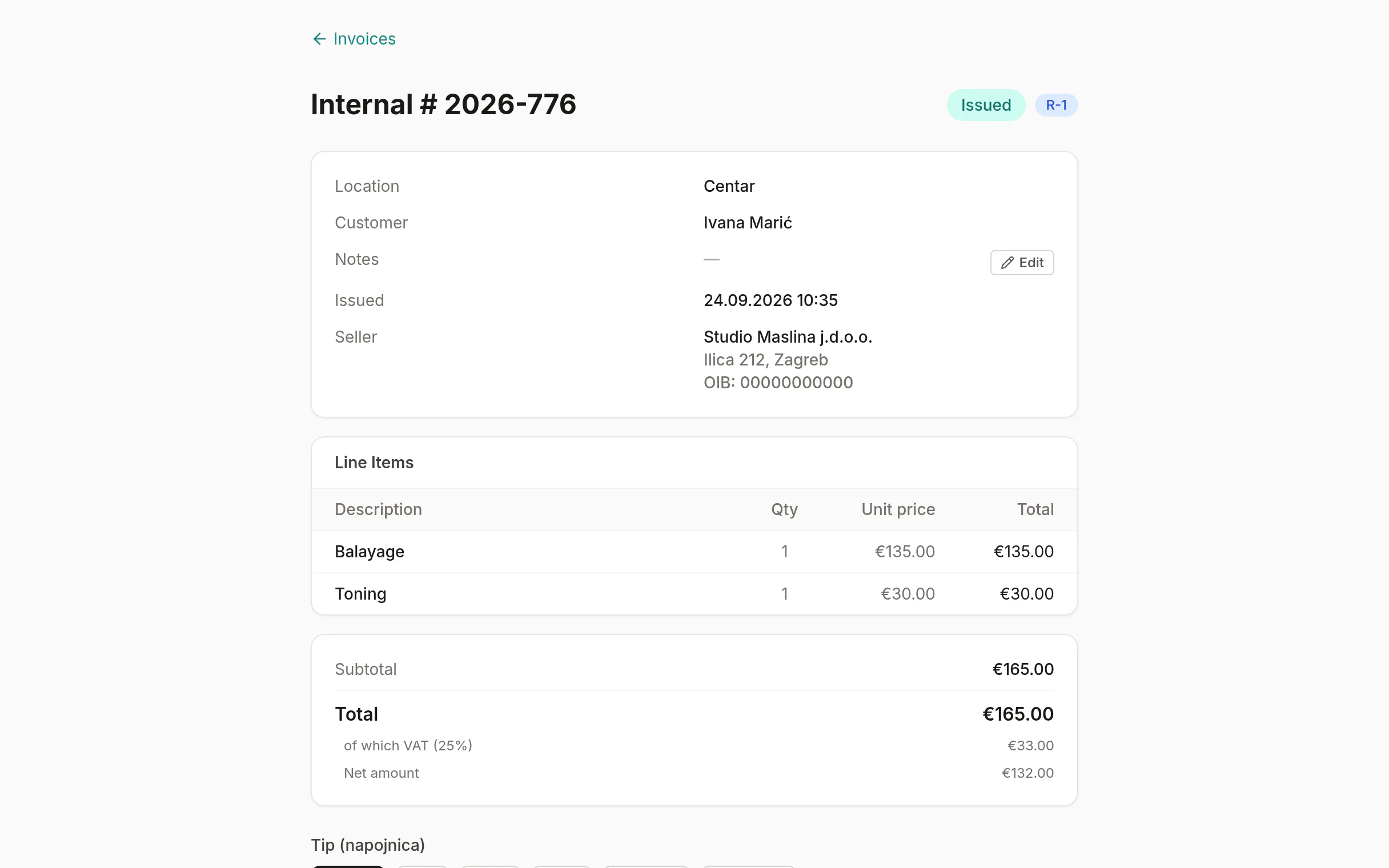
On Pro+, the counter is where the visit ends without fuss. Services and retail go on one ticket. Cash and card can be combined on one bill, tips are split between the technicians who did the work, and the receipt is fiscalised with the Tax Administration while the client is still putting their coat on. F9 prints the JIR, the ZKI and a scannable QR code; you need your own FINA certificate. Retail stock comes down as you sell. A sale that has to be reversed gets a proper storno credit note.
Regulars, not one-offs
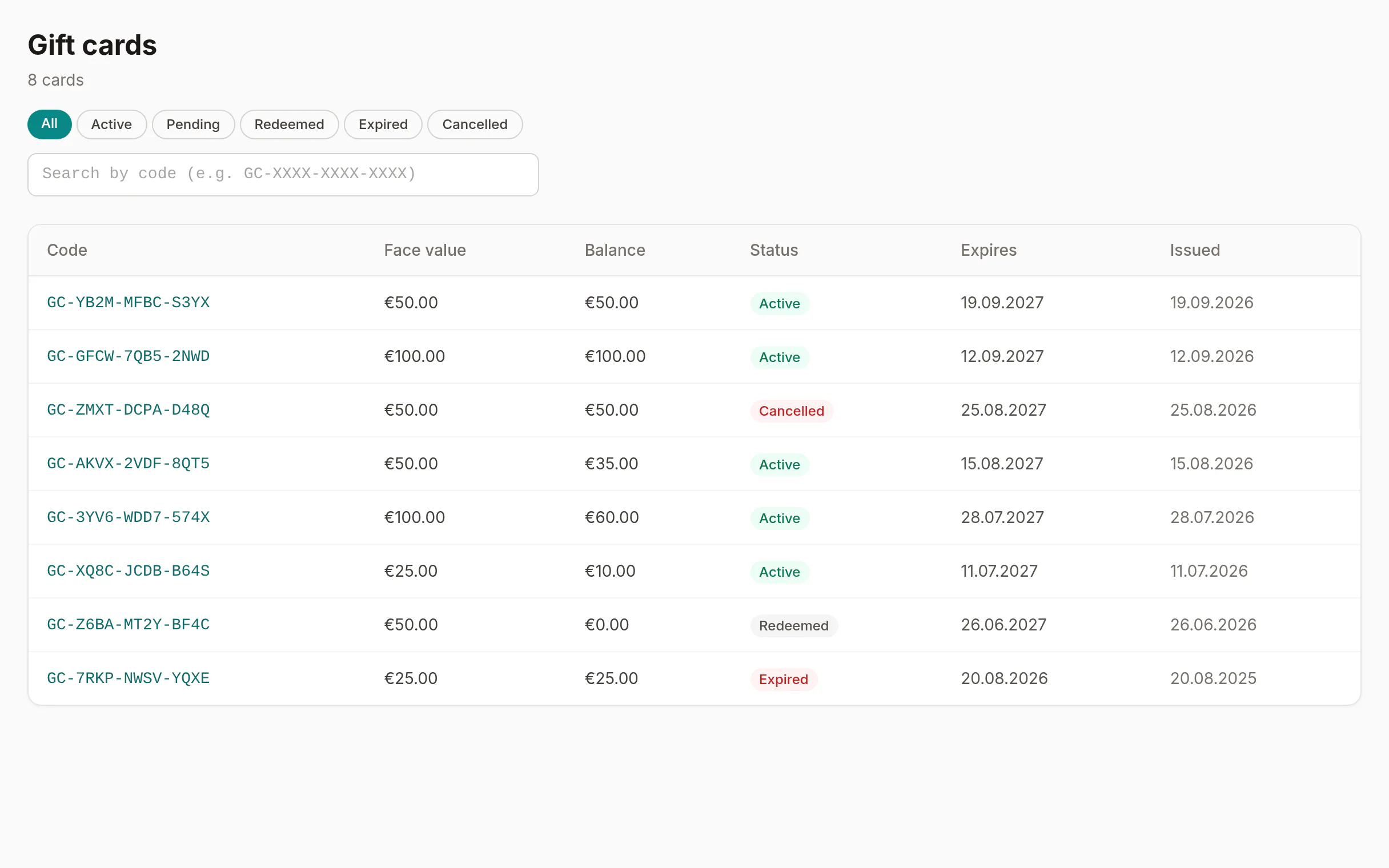
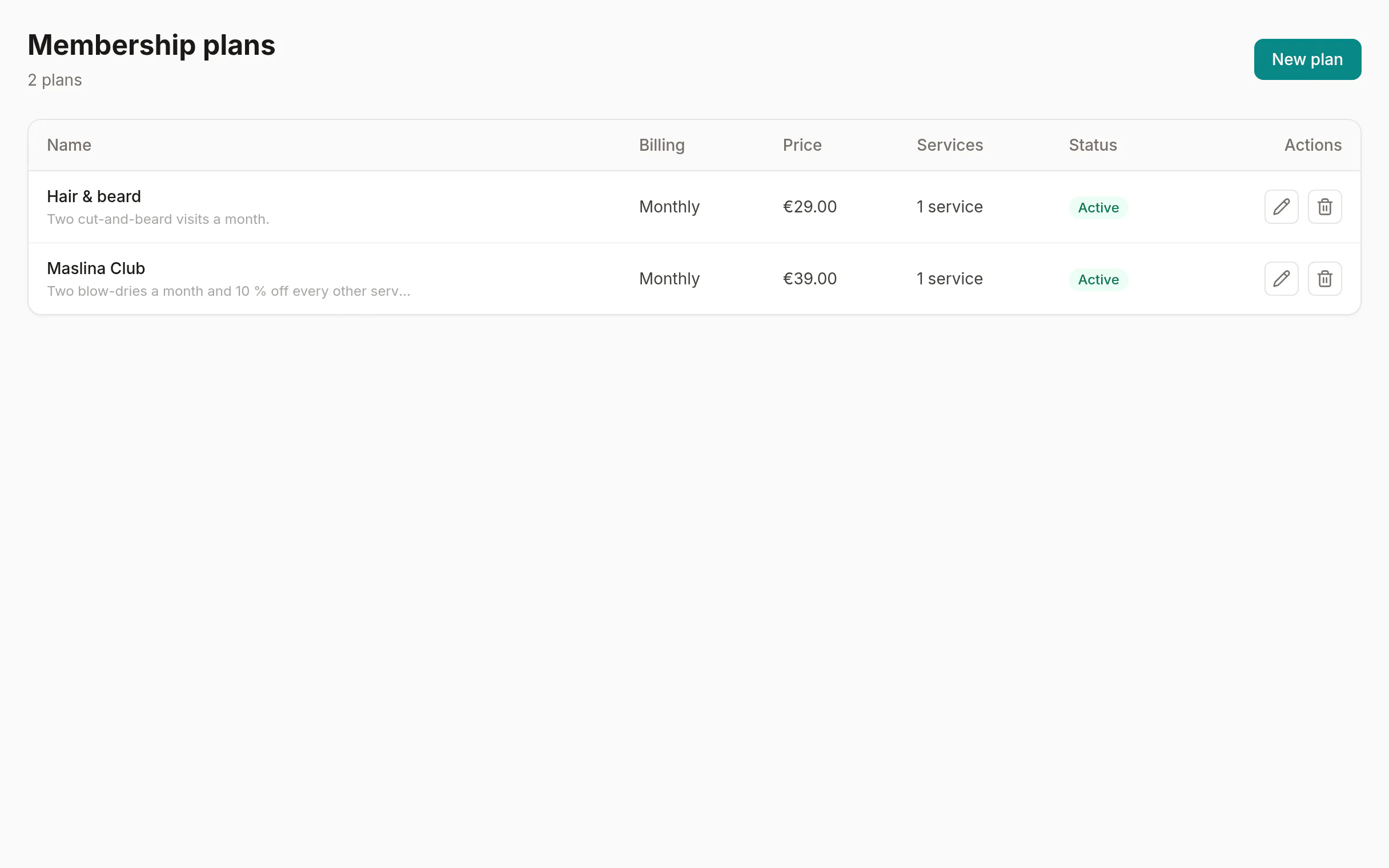
Loyalty points come with every plan. Points earned on a paid receipt need Pro+, because the receipt does. On Pro+ you can also sell memberships (a monthly manicure plan, for example), service packages and gift cards. Clients see their remaining sessions, points and the date their membership is valid until in their own portal.
The reports show which clients come back and how often, each technician's rebooking rate and utilisation, your busiest hours and your top sellers, with CSV export. It's a clear picture of which part of the business brings regulars back.
Client data, handled properly
Allergy notes and client details are personal data. F9 encrypts client data with a key unique to your studio and stores it in the EU. Staff notes stay private to the team. Clients can download or erase their own data from their portal; erasure happens after a 30-day cooling-off period, while your own records follow your retention policy.
Set up in an afternoon
A new studio isn't dropped into an empty app. The setup wizard walks through your business details, your first location and your first technician with their working hours, then sets up a first service and a first booking. It also pre-fills a starter nail menu (manicure, pedicure, gel manicure, nail art) that you can price and rename, so the booking page can be live the same day.